
Make your Oja store look like your brand: logo, colour and banner, no code. Then share your store link on WhatsApp and Instagram so buyers can order.
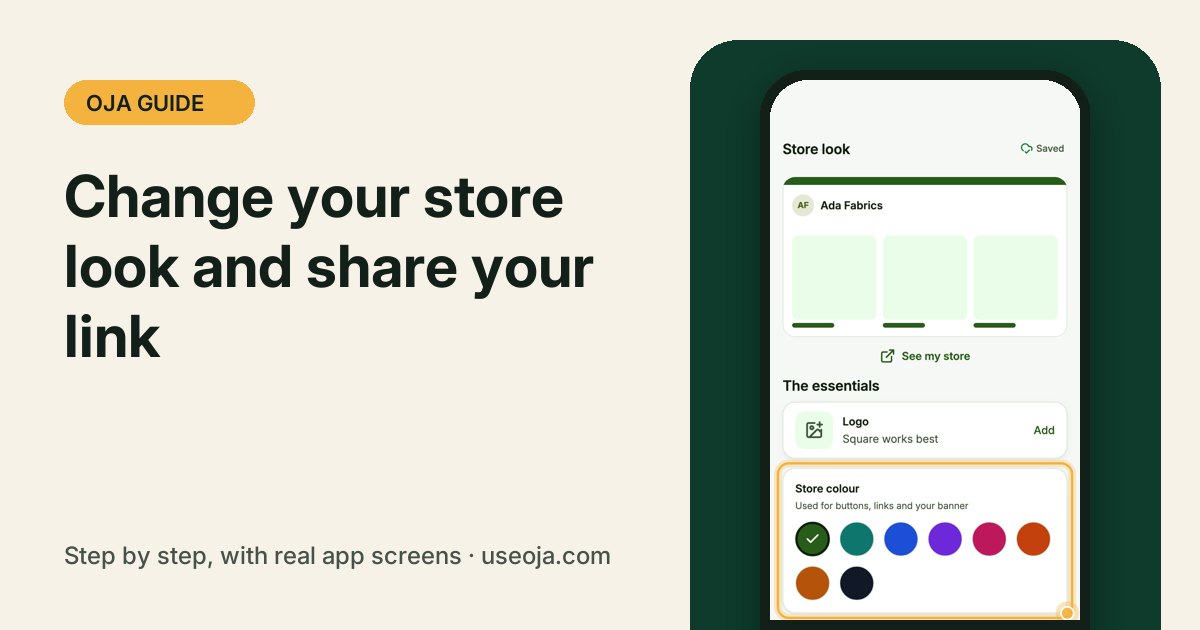
Your Oja store is live at yourname.useoja.com from the day you sign up. A few minutes on its look makes buyers trust you, and sharing the link turns your followers into orders.
Before you start
- Have your logo ready (square works best).
- Add a few products so your store has something to show.
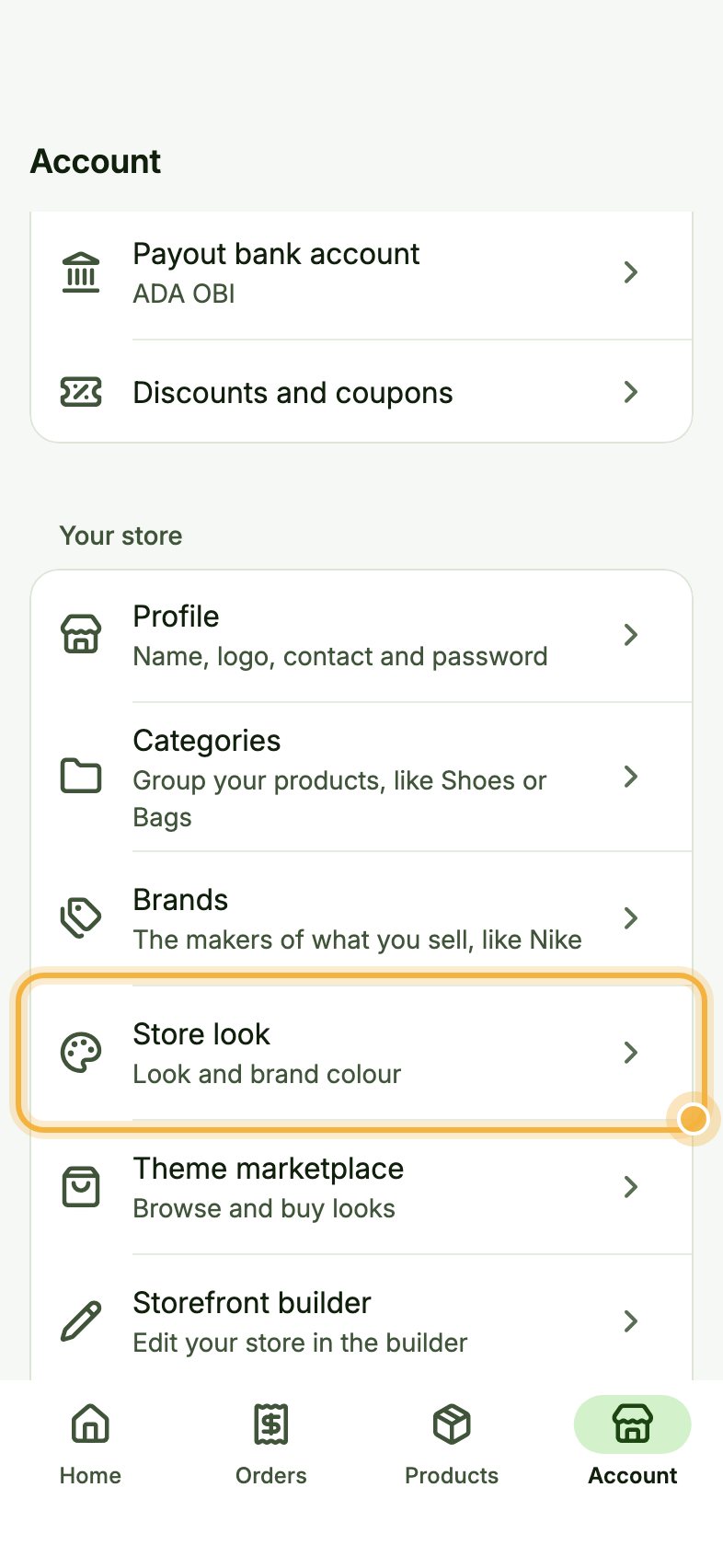
Open Account, then Store look
Go to the Account tab. Under Your store, tap Store look ("Look and brand colour").
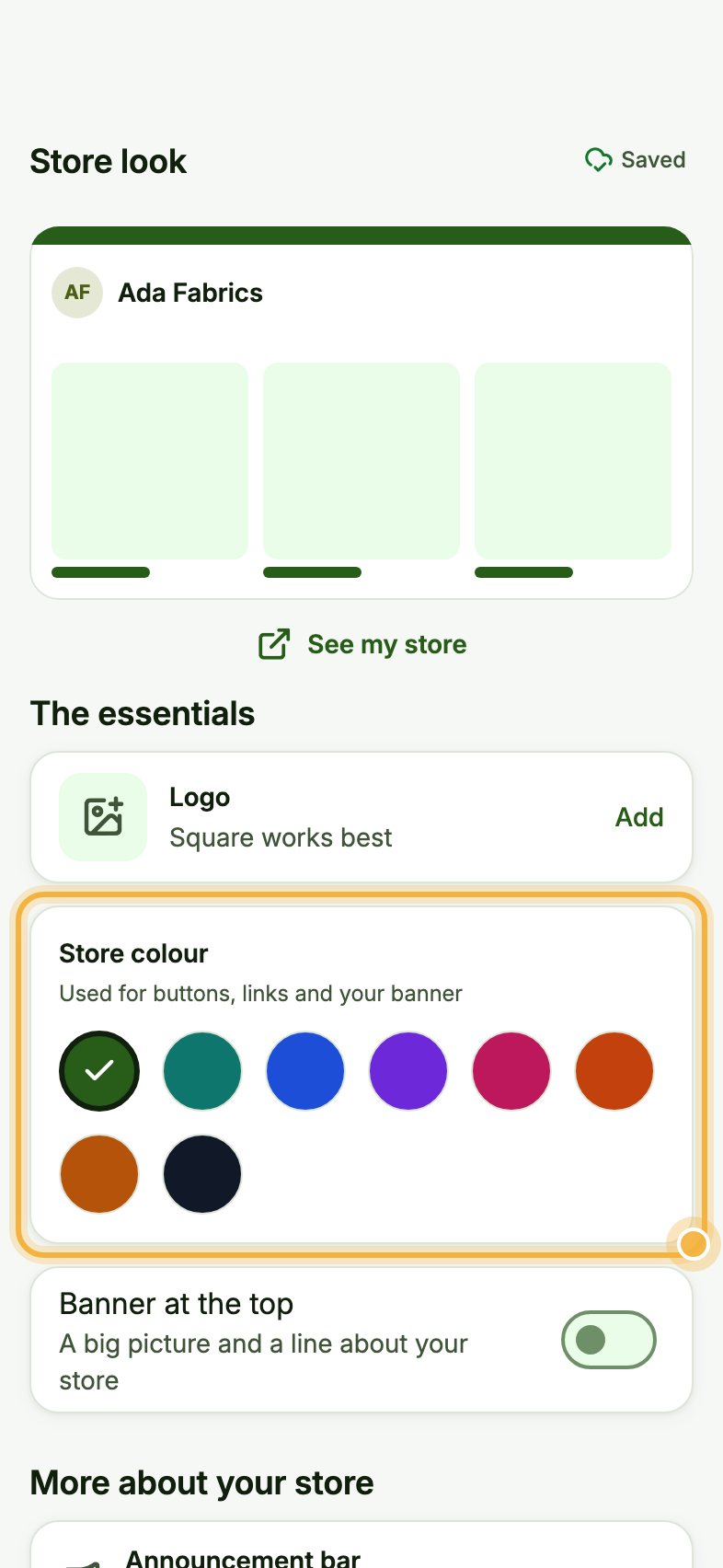
Add your logo and pick your colour
Under The essentials, tap Add next to Logo. Then pick your Store colour; it is used for buttons, links and your banner. Turn on Banner at the top to add a big picture and a line about your store.
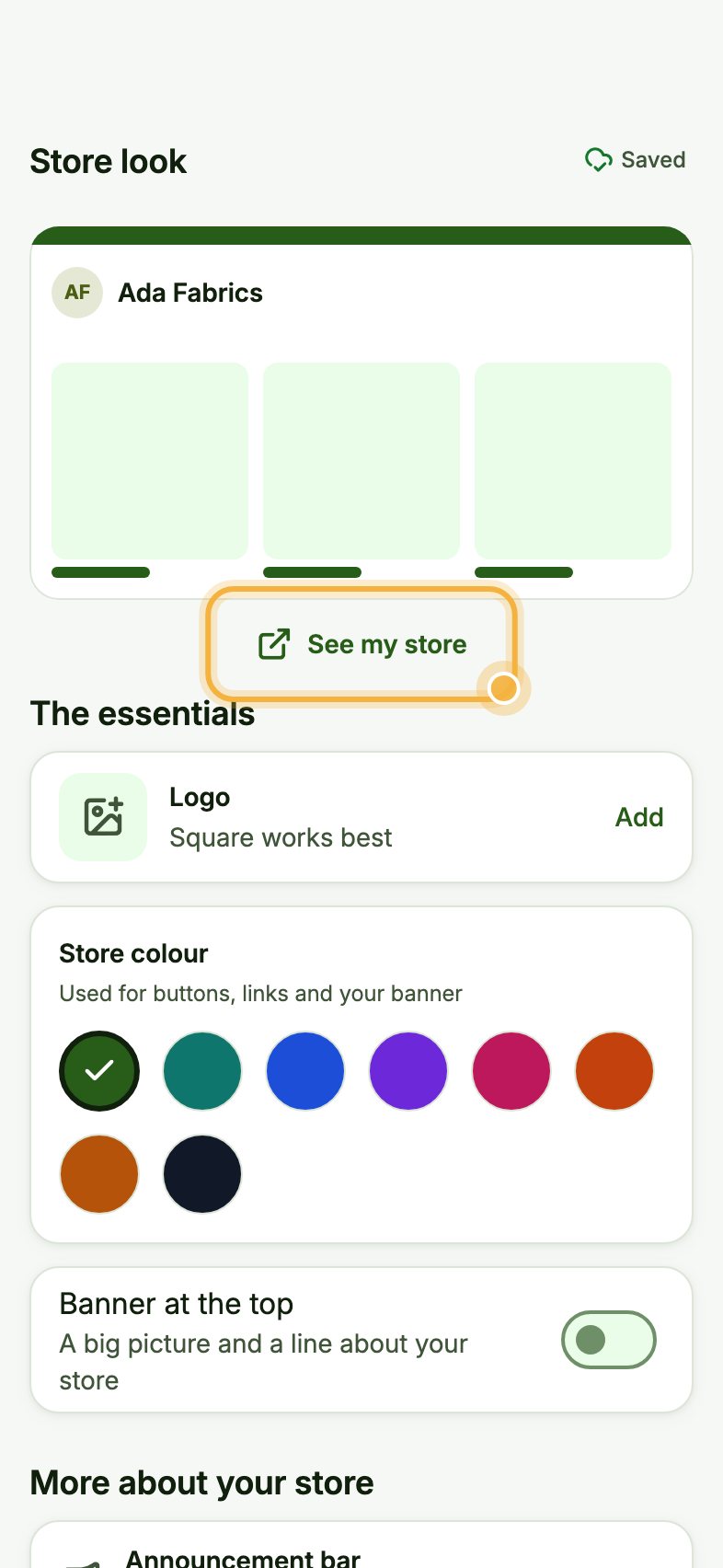
Preview your store
Tap See my store to check how it looks to buyers. Changes save automatically.
Share your store link
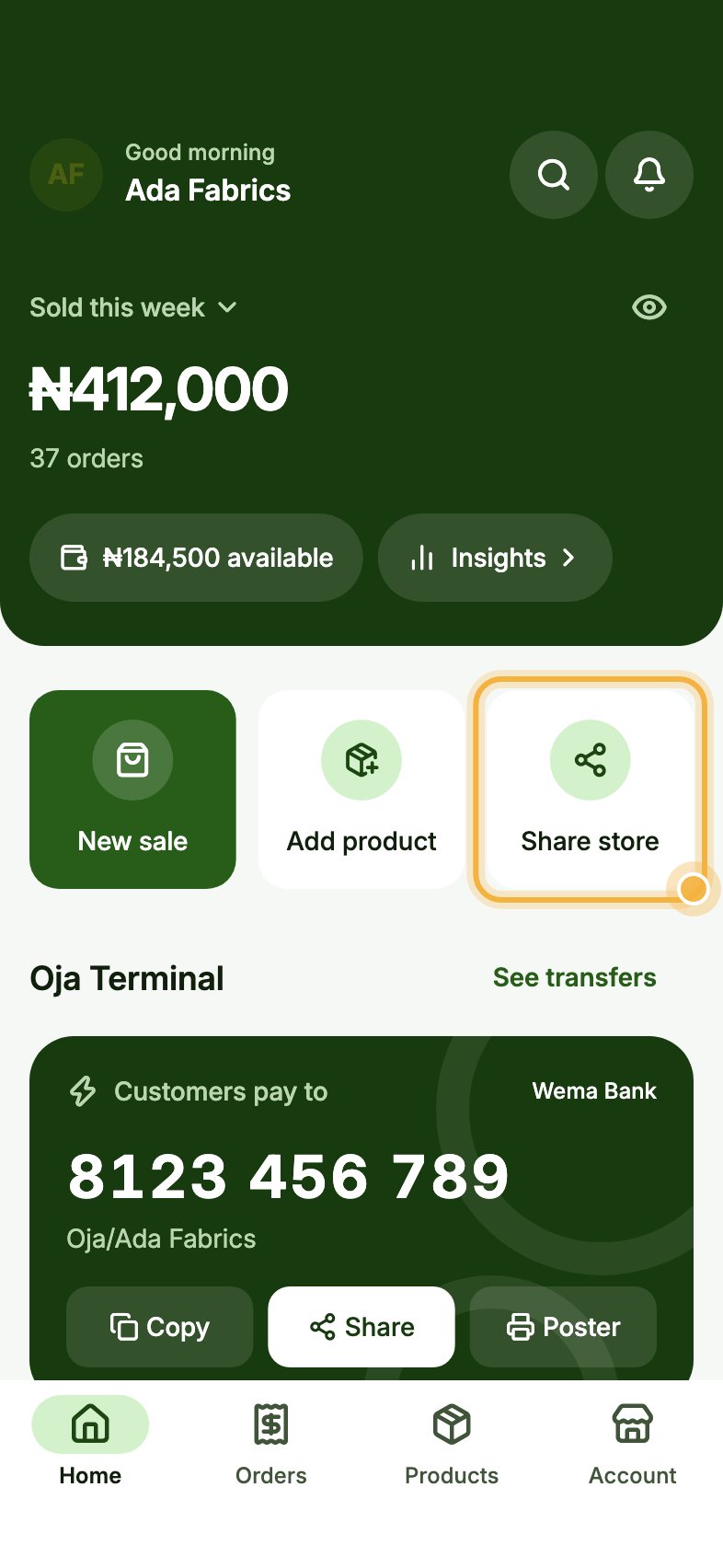
Back on Home, tap Share store to send your link on WhatsApp, Instagram or anywhere. Put it in your bio and status too.
Tips that save time
- Use the same colour as your logo and packaging.
- Browse the Theme marketplace in Account for complete looks.
- On Chairman, use Your own domain (shop.yourbrand.com) instead of the Oja link.
Try it in the Oja app
Oja is free to start. Download the app, open your store in minutes and follow this guide on your own phone.
Start selling free