End each day knowing your cash is right. Oja shows the cash you should have and tells you straight away if anything in the drawer is missing.
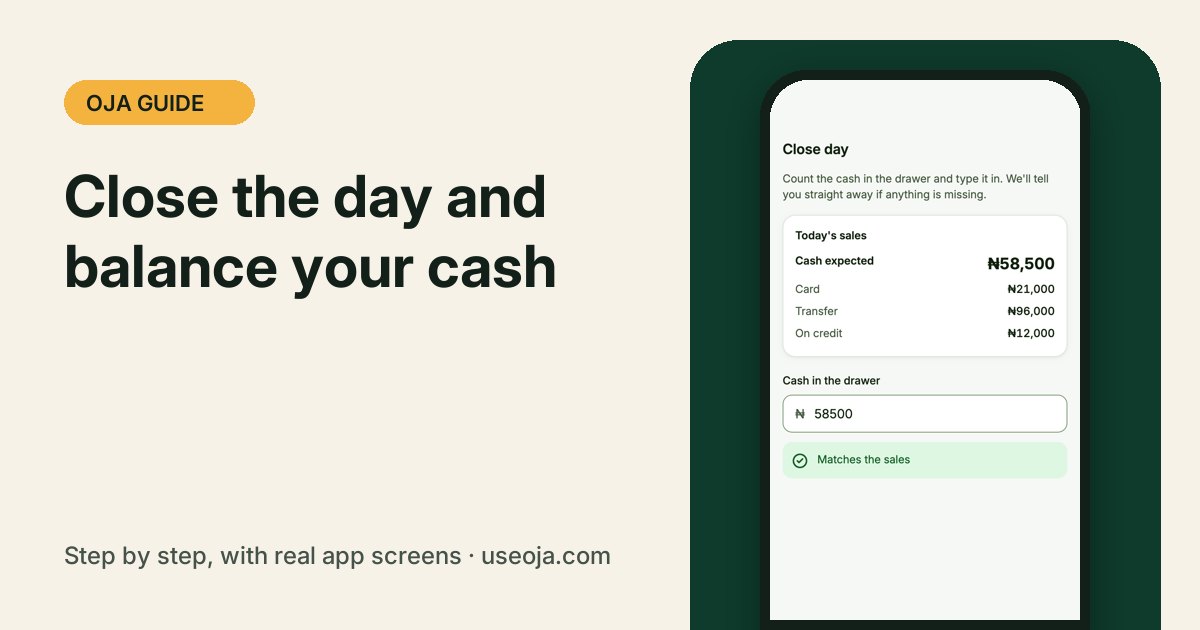
Closing the day takes a minute and stops small losses from becoming big ones. Oja works out the cash you should have from today's sales; you count the drawer and compare.
Before you start
- Record all of today's sales in Oja.
- Count the cash in your drawer.
1
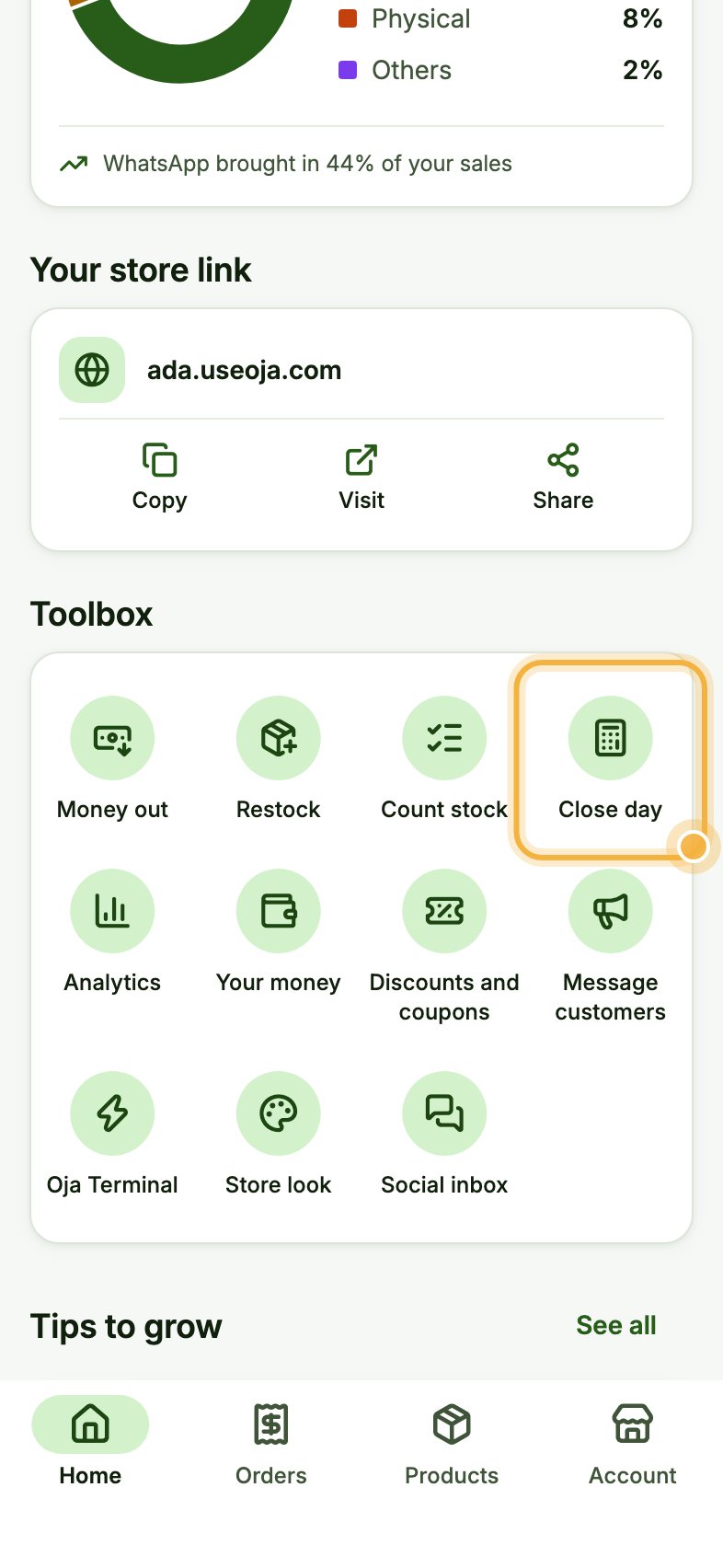
Open the Toolbox on Home, then Close day
On Home, scroll down to Toolbox and tap Close day.
2
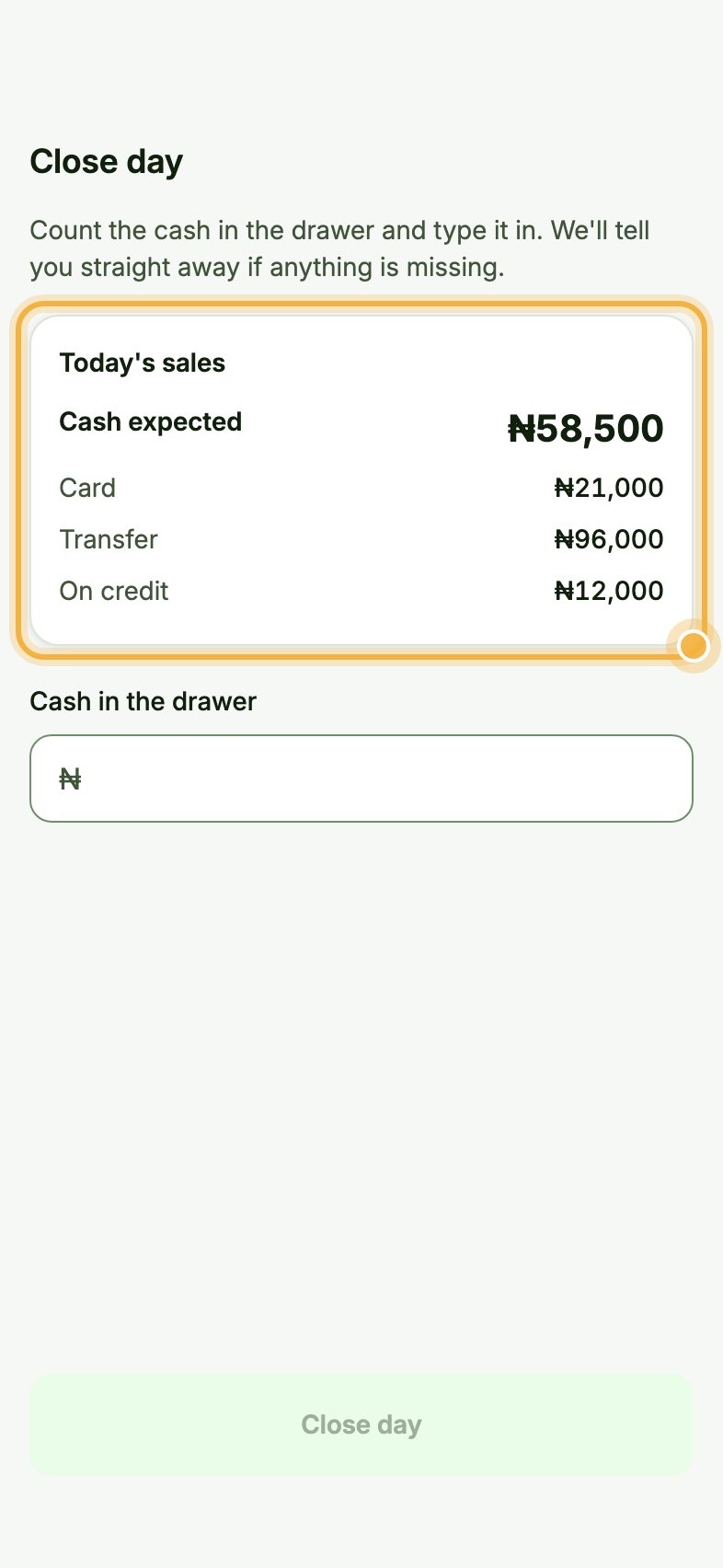
Check today's sales
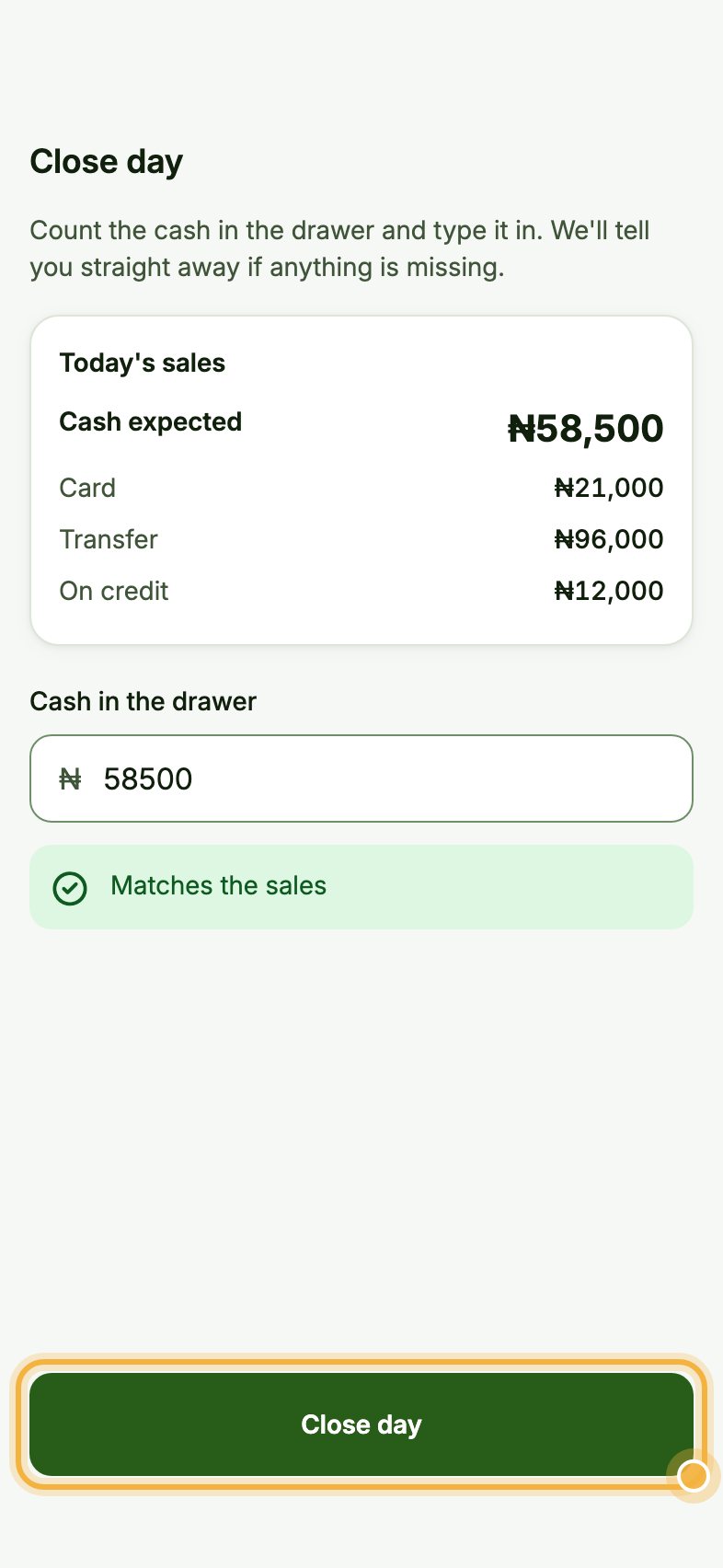
Under Today's sales, Oja shows the Cash expected in your drawer, plus what came in by Card, Transfer and On credit.
3
Type the cash in the drawer, then Close day
Type what you counted under Cash in the drawer. Oja tells you straight away if it Matches the sales or how much is missing. Tap Close day to save it.
Which plan has it:Every plan.
Tips that save time
- Close the day at the same time every evening.
- If cash is short, check for sales recorded with the wrong payment method first.
- Owners get a daily summary, even when staff made the sales.
Try it in the Oja app
Oja is free to start. Download the app, open your store in minutes and follow this guide on your own phone.
Start selling free