
Stop checking fake transfer receipts. Oja Terminal gives your shop its own account number and confirms every transfer in seconds. Here is how to set it up.
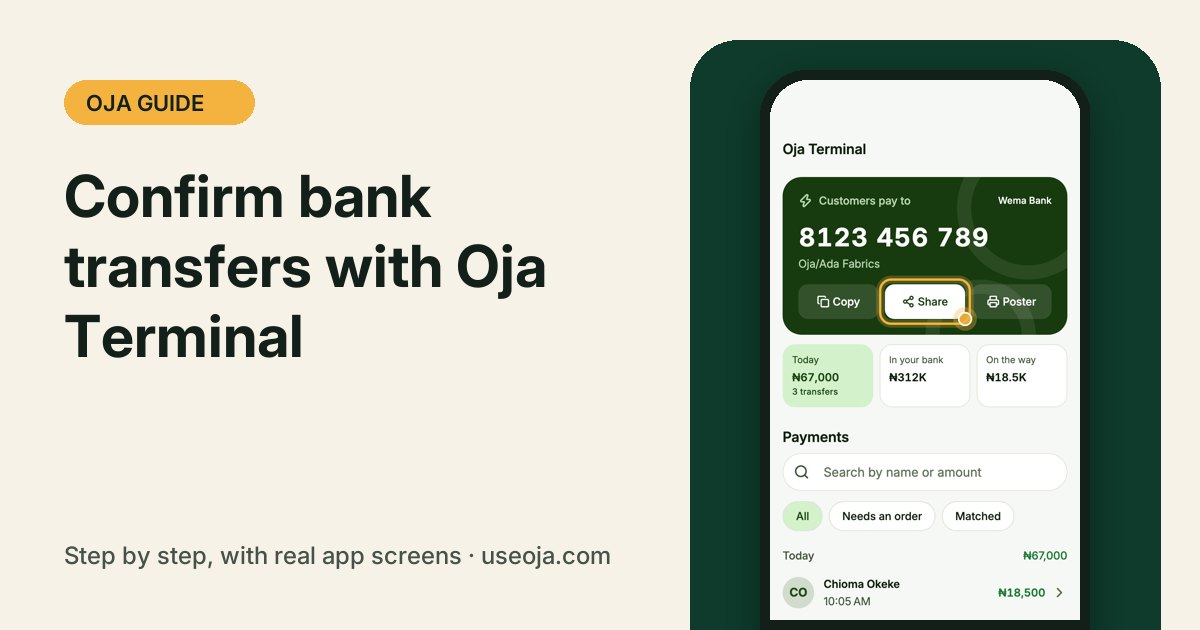
"Abeg, send proof" is over. With Oja Terminal your shop gets its own account number. When a customer transfers, Oja confirms it in seconds and sends you an alert, so a screenshot is never proof again.
Before you start
- You need the Odogwu or Chairman plan.
- Have your business details and your bank account ready for the short setup.
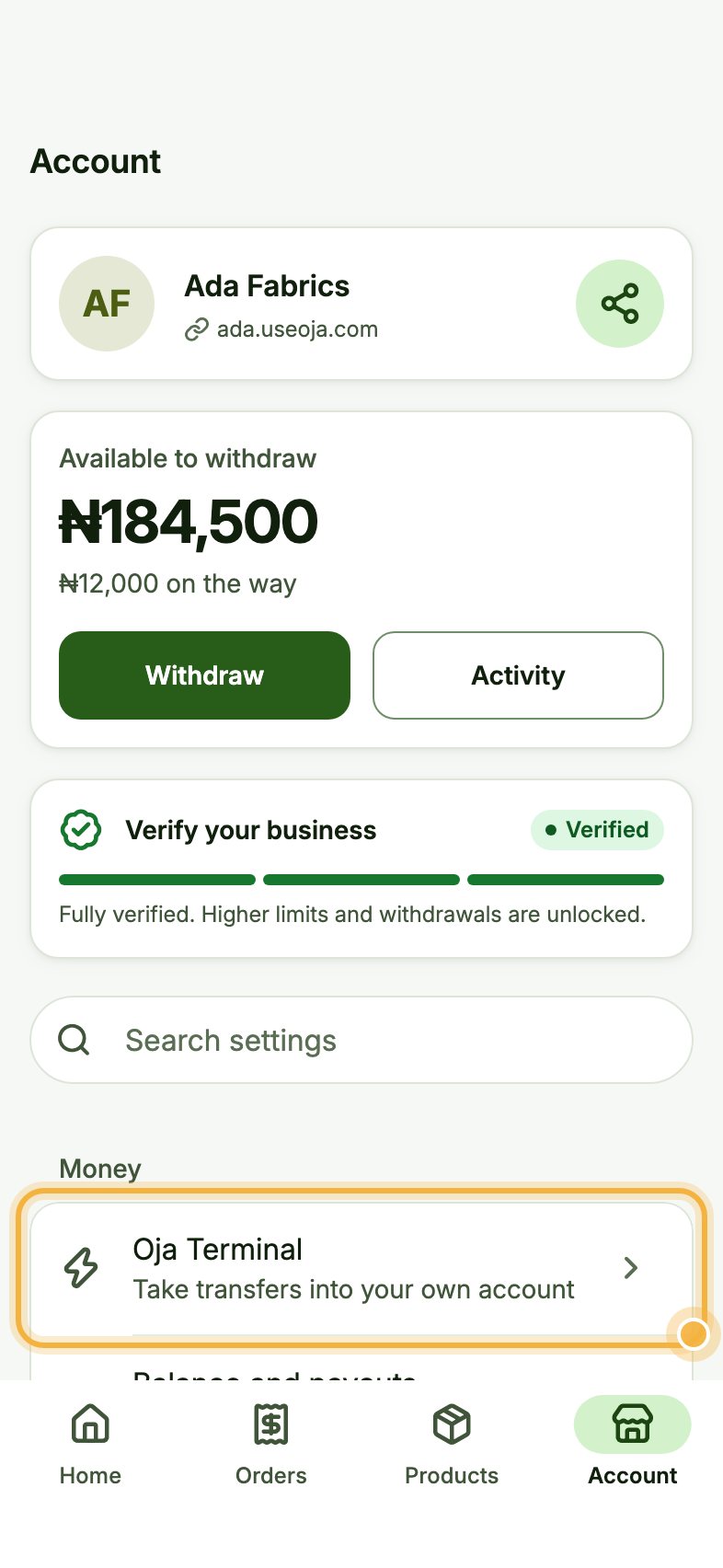
Open Account, then Oja Terminal
Go to the Account tab. Under Money, tap Oja Terminal ("Take transfers into your own account"). The first time, follow the short setup.
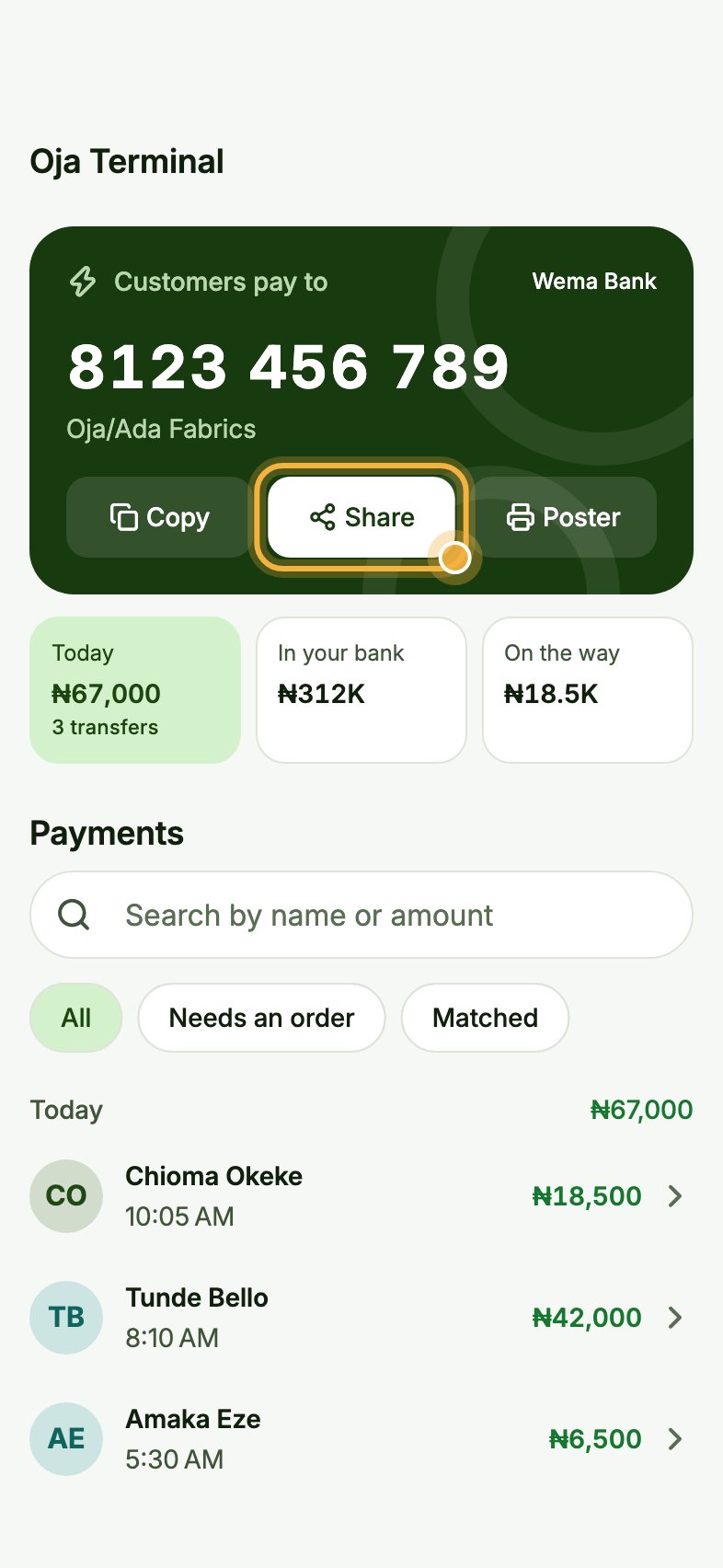
Share your account number
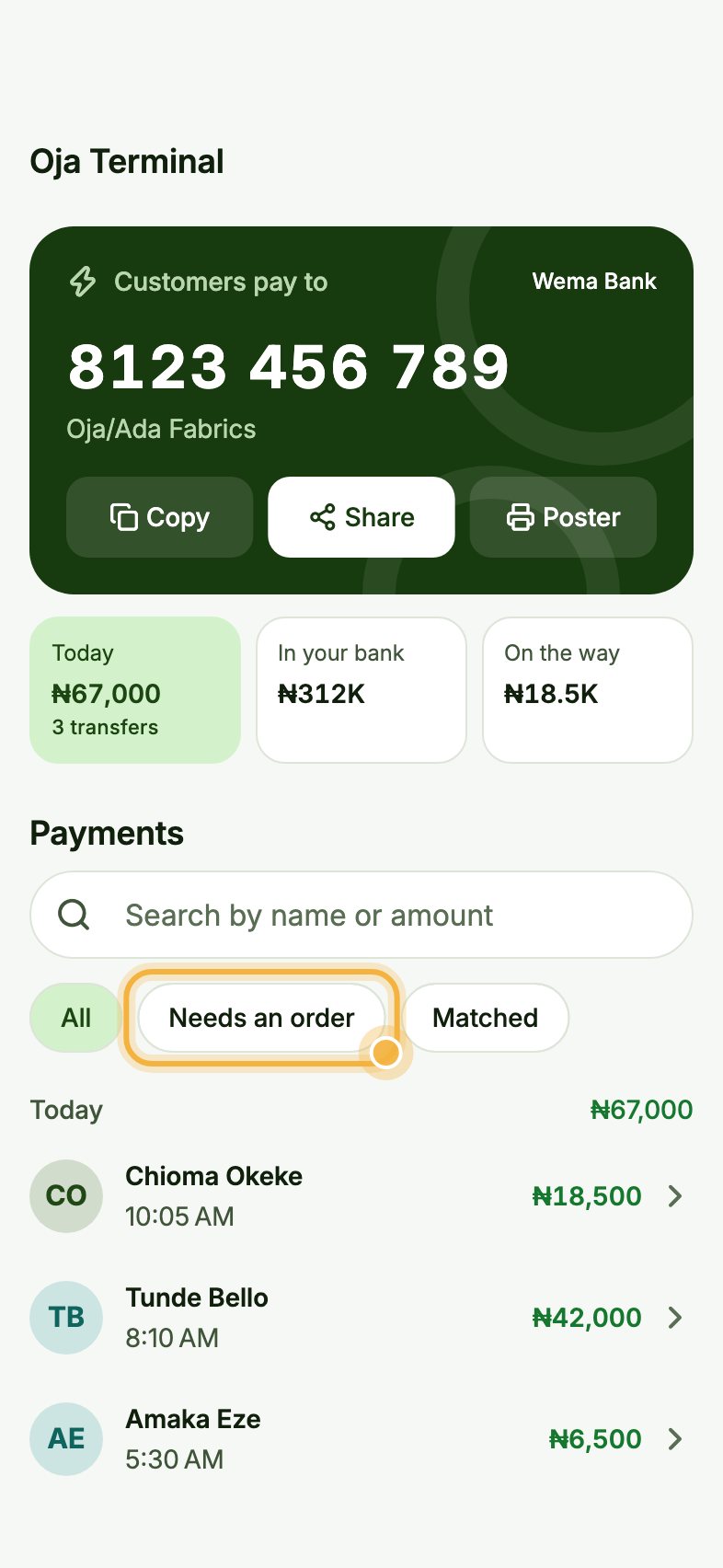
Your account number is at the top under Customers pay to. Tap Copy or Share to send it to a customer in any chat.
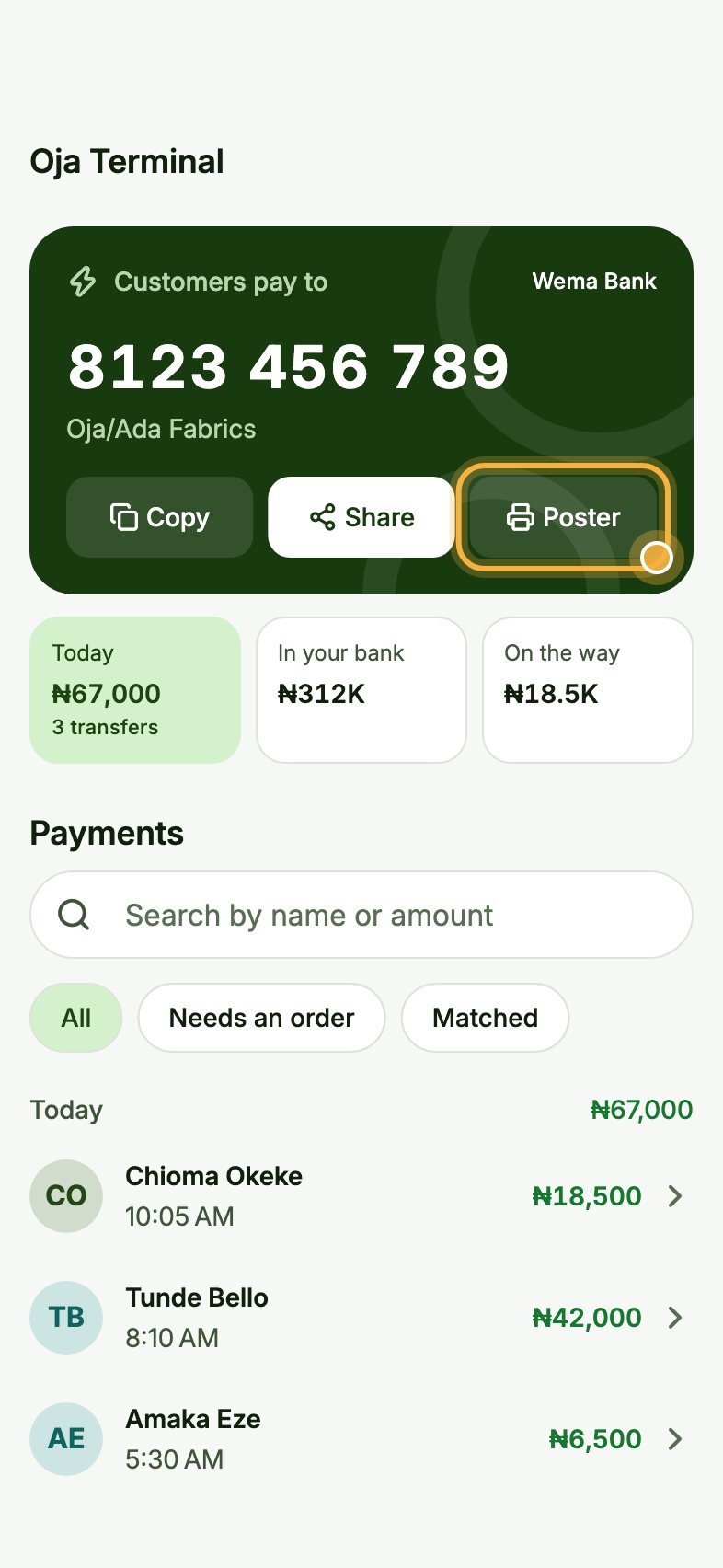
Print the poster for your counter
Tap Poster to get a ready-made poster with your account number. Print it and put it where customers pay, so they can transfer without asking.
Match transfers to orders
Every payment shows under Payments, with the sender's name. Tap Needs an order to see transfers that are not linked to a sale yet, tap one, and pick the order it was for.
Tips that save time
- Watch Today, In your bank and On the way at the top to see where your money is.
- You get a WhatsApp alert for every transfer, even when the app is closed.
- Oja Terminal also appears on Home, so you can share your number in one tap.
Try it in the Oja app
Oja is free to start. Download the app, open your store in minutes and follow this guide on your own phone.
Start selling free